Help
Guides with pictures
Short, step-by-step guides for the parts of nostr.build that do the most. Each one shows every button on a real screen.
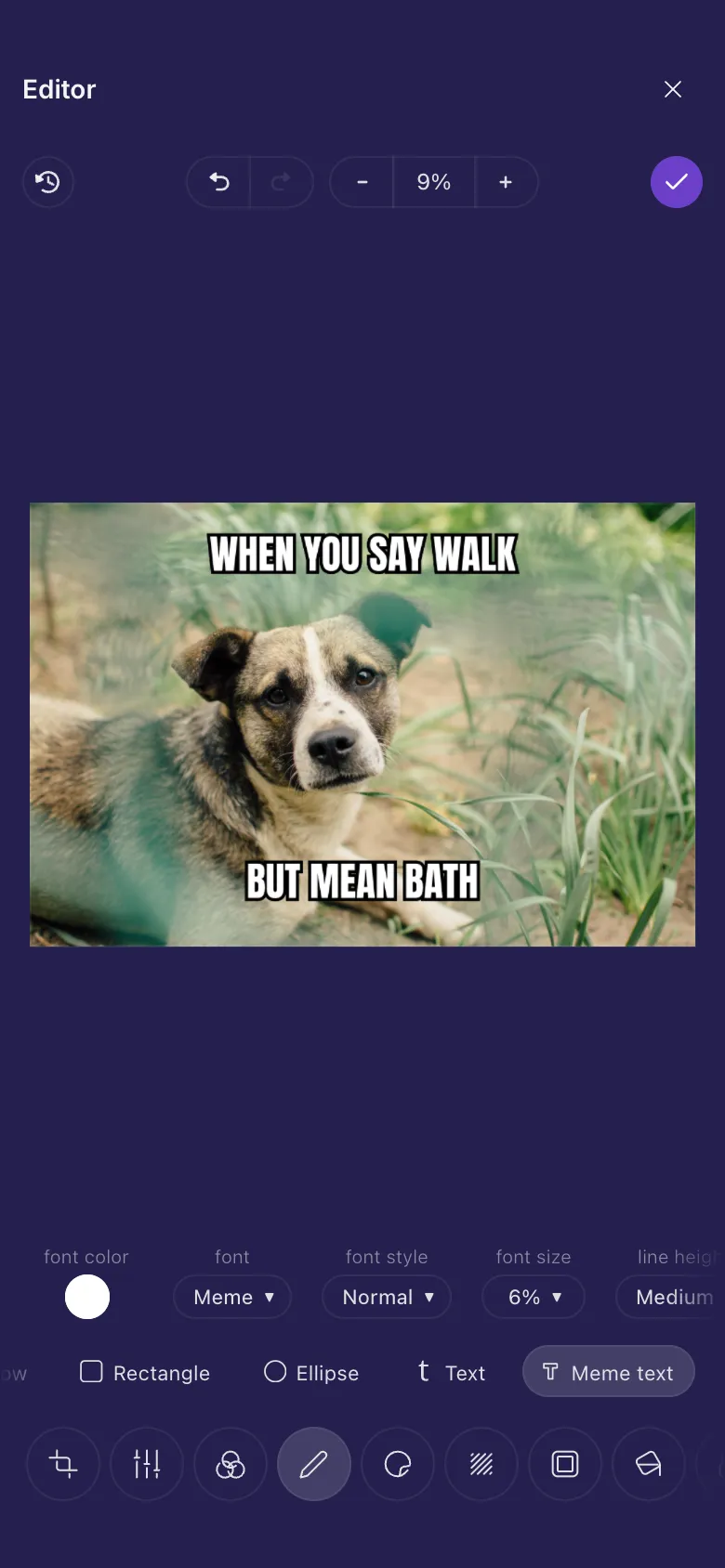
Image editor
Crop, brighten, add text and stickers, make a meme, or hide something private before you share a photo.
Read the guide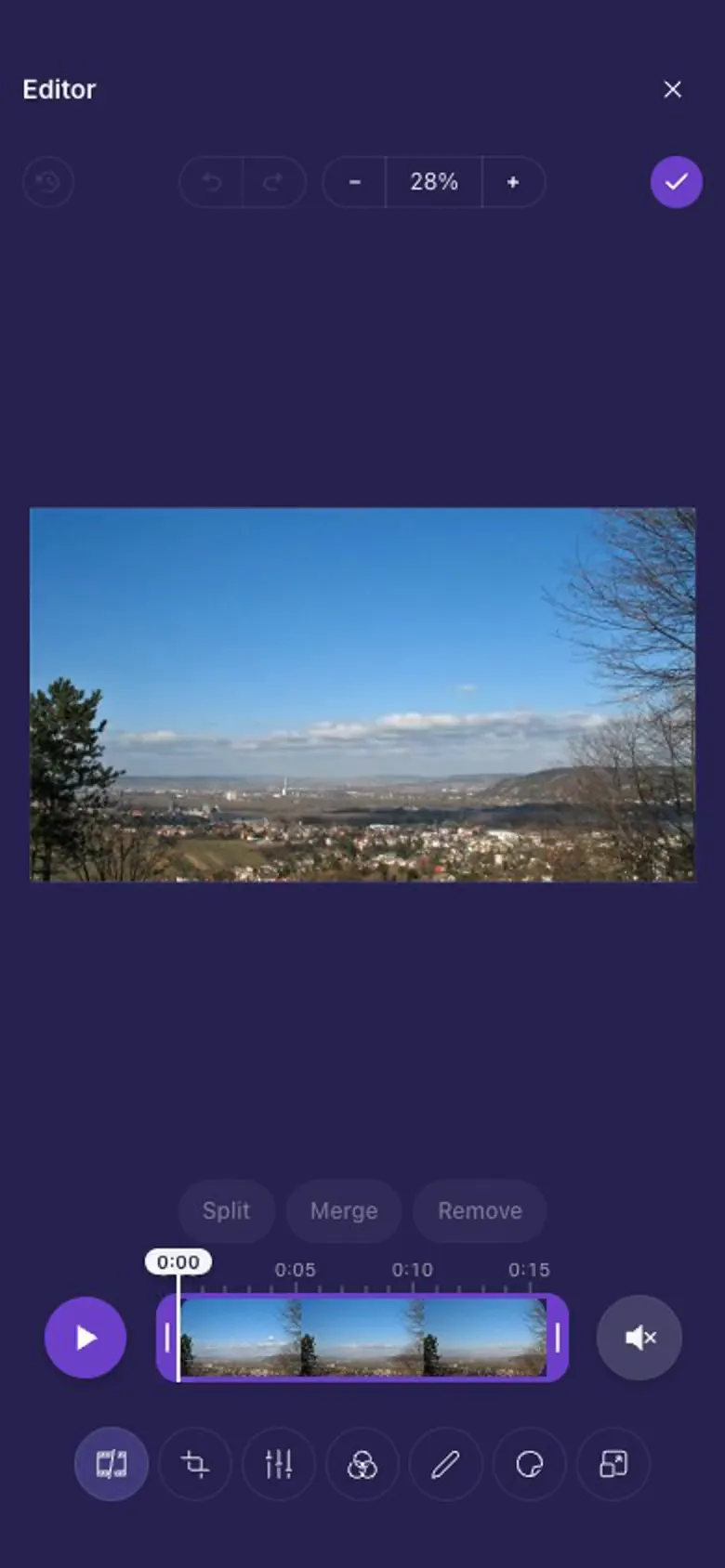
Video and GIF editor
Trim a clip, cut out a part, add captions that come and go, and choose the thumbnail people see first.
Read the guideIn depth
One part of the editor at a time, with everything it can do.
Crop, rotate and resize
Crop to a shape, straighten, zoom, turn, mirror, and set an exact size in pixels.
Light and colour
What each Finetune setting does, every filter, and quick fixes for dark or dull photos.
Draw and write
Freehand, arrows, boxes, text and meme text in any colour, and how to change or remove them.
Hide and finish
Blur private details, pick and adjust a frame, and put a colour behind a see-through picture.
Moving stickers and captions
Every animation, captions that come and go on time, and GIFs or videos playing inside your video.
Stickers
Emoji, markers, Nostr and Bitcoin art or your own pictures, and how to place, size and fade them.
Trim, split and sound
Shorten a video, cut parts out of the middle, play it back, and what happens to the sound and to GIFs.