Stickers
Emoji, hand-drawn circles and arrows, Nostr and Bitcoin art, or a picture of your own: drop it on, then move it, size it and turn it until it sits just right.
For reactions, memes, marking something up in a hurry, or putting your logo on a photo.
The pictures show a phone. On a computer the tools sit down the left side with their names, and the rest works the same way.
On this page
Three sets to pick from
Open a photo or video in the editor and tap Sticker. The sets sit under the stickers:
- Emoji: over a hundred of the usual faces, hands, hearts, animals and food, with skin tones.
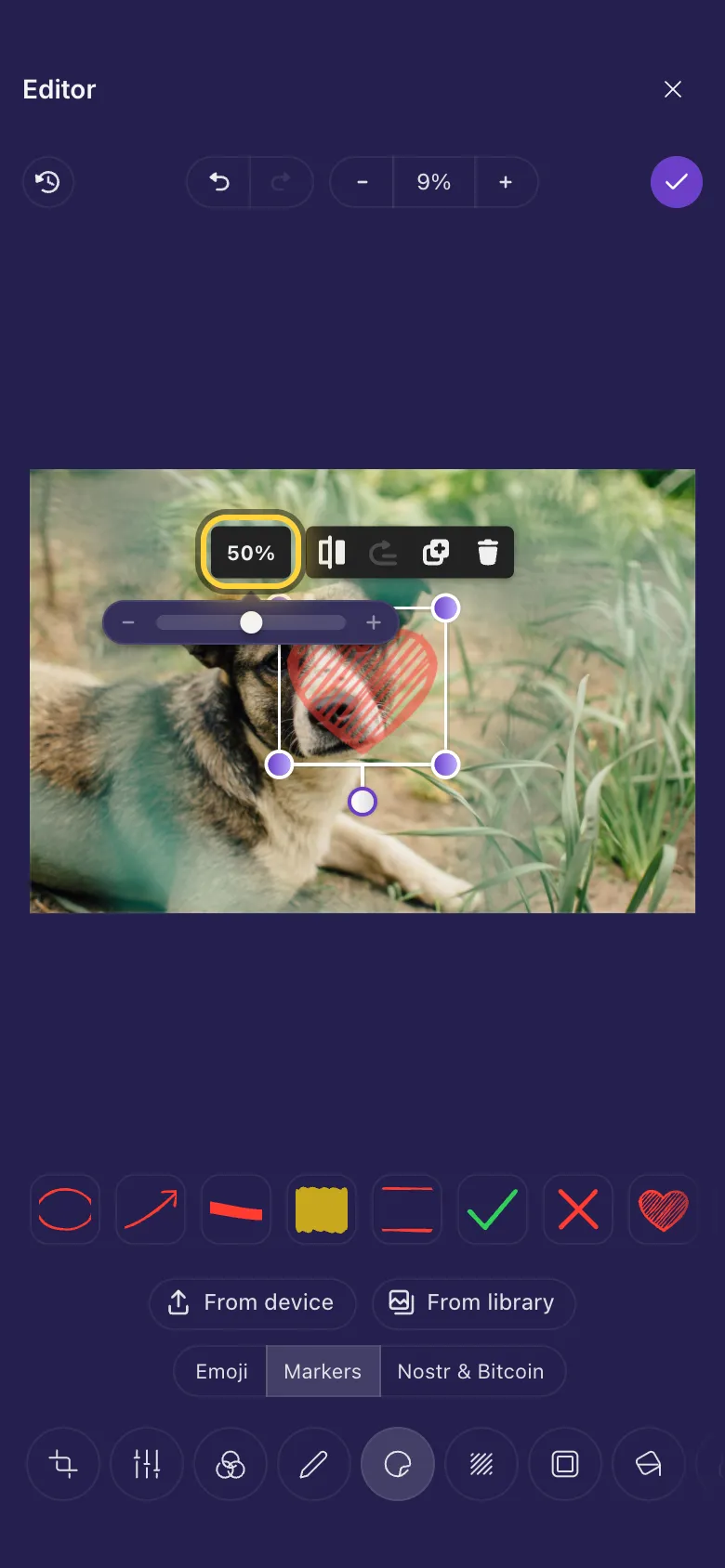
- Markers: hand-drawn circles, arrows, underlines, highlights, check marks, speech bubbles and more.
- Nostr & Bitcoin: zaps, GM, sats, the orange and purple pill and other art for Nostr and Bitcoin people.
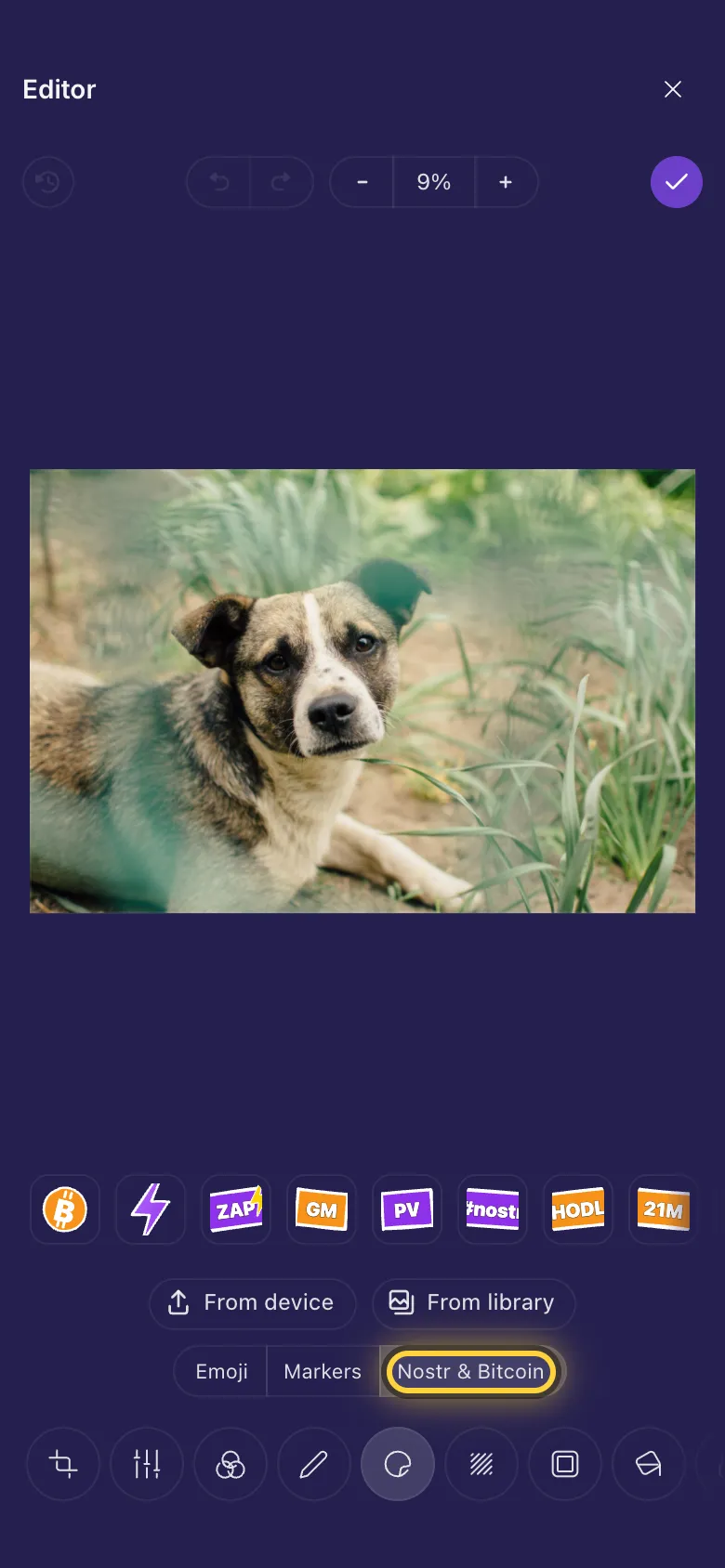
Add one and put it in place
- Tap a set, then tap a sticker. It lands in the middle of the picture, ready to move.
- Drag it to where it should go.
- Drag a corner dot to make it bigger or smaller, and the dot underneath it to turn it.
- Tap outside it when it looks right. Tap it again any time to change it.
Fade, mirror, copy or remove
Tap a sticker to select it. The buttons above it:
- The percentage (100%) opens a slider: slide it left to make the sticker see-through.
- Flip Horizontal mirrors it, so an arrow or a face points the other way.
- Move to front puts it on top of the others, Duplicate makes a copy and Remove deletes it.
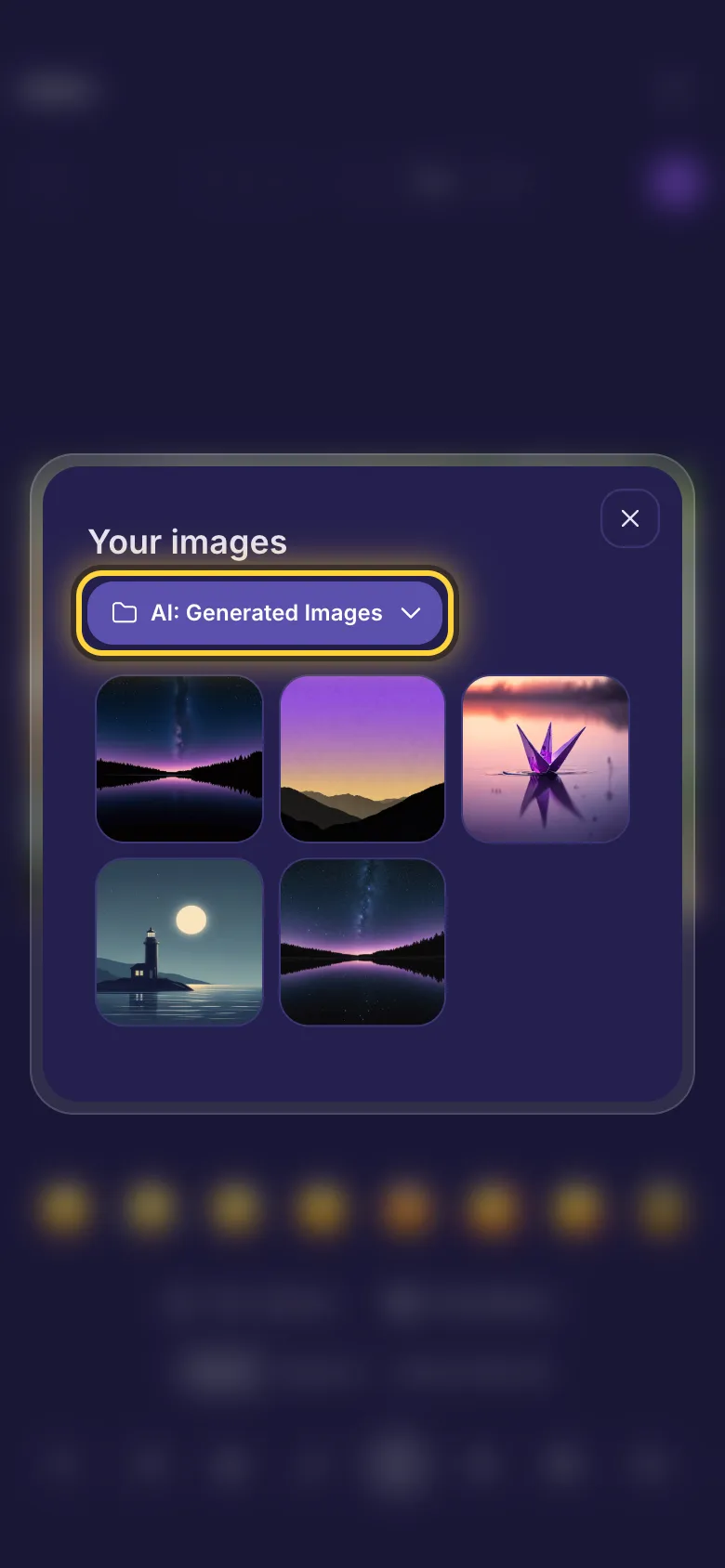
Your own pictures as stickers
- From device picks a picture from your phone or computer.
- From library picks one you already keep on nostr.build: choose the folder at the top, then tap the picture.
- It goes on like any other sticker, so you can move, size, turn and fade it.
Stickers on a video
In the video editor, stickers do more. A GIF or a video you add plays inside your video, stickers can move with Animation, and each one can show for only part of the video. The video guide shows how: Put a video or GIF inside your video, Text, memes and stickers on a video and Make a caption appear and disappear.
Older iPhones and iPadsIdeas
Sign your photos
Your logo from From device in a corner, faded to about half with the percentage slider.
React to a screenshot
One big emoji from Emoji, turned a little so it looks stuck on by hand.
Morning post
The GM sticker from Nostr & Bitcoin on your coffee photo, then Done .