Hide and finish
Blur what nobody else should see, then give the picture a finishing touch: a frame around it, or a colour behind a see-through picture.
For anyone sharing a photo with a face, a name, an address or a number plate in it, and for anyone who wants a photo to look finished.
The pictures show a phone. On a computer the tools sit down the left side with their names, and the rest works the same way.
On this page
Blur private details
- Tap Redact.
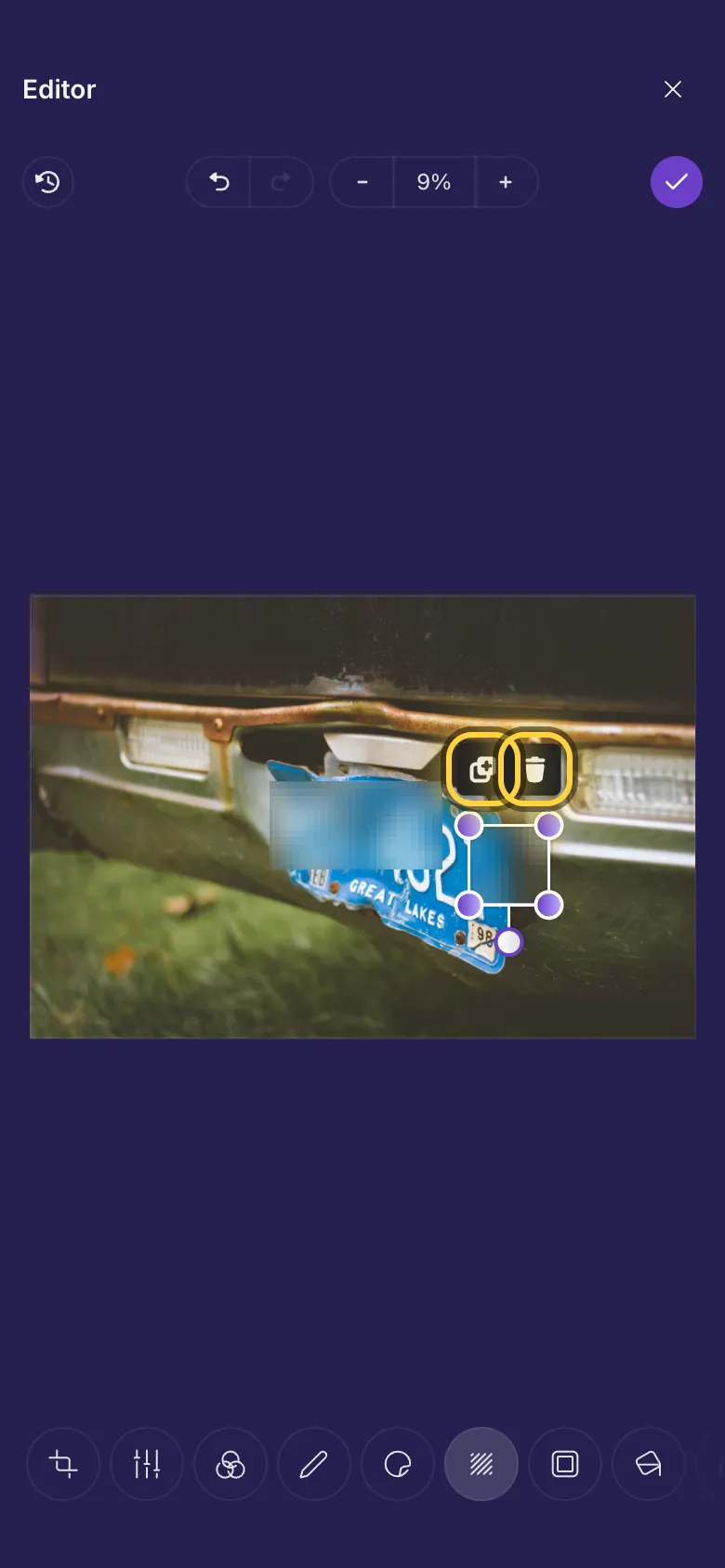
- Drag a box over what should not be seen. It turns into a blur straight away.
- Drag the box to move it, or a corner to make it bigger or smaller.
- Add as many boxes as you need. Duplicate copies the selected box, Remove deletes it.
What to look for before you share
Things people often forget to hide:
- Faces of people who did not agree to be shared, especially children.
- Number plates, house numbers and street signs near your home.
- Names, addresses, phone numbers and codes on letters, parcels, tickets and screens.
- Anything reflected in a window, a mirror or sunglasses.
Add a frame
- Tap Frame.
- Tap a frame under the picture. None takes it off again.
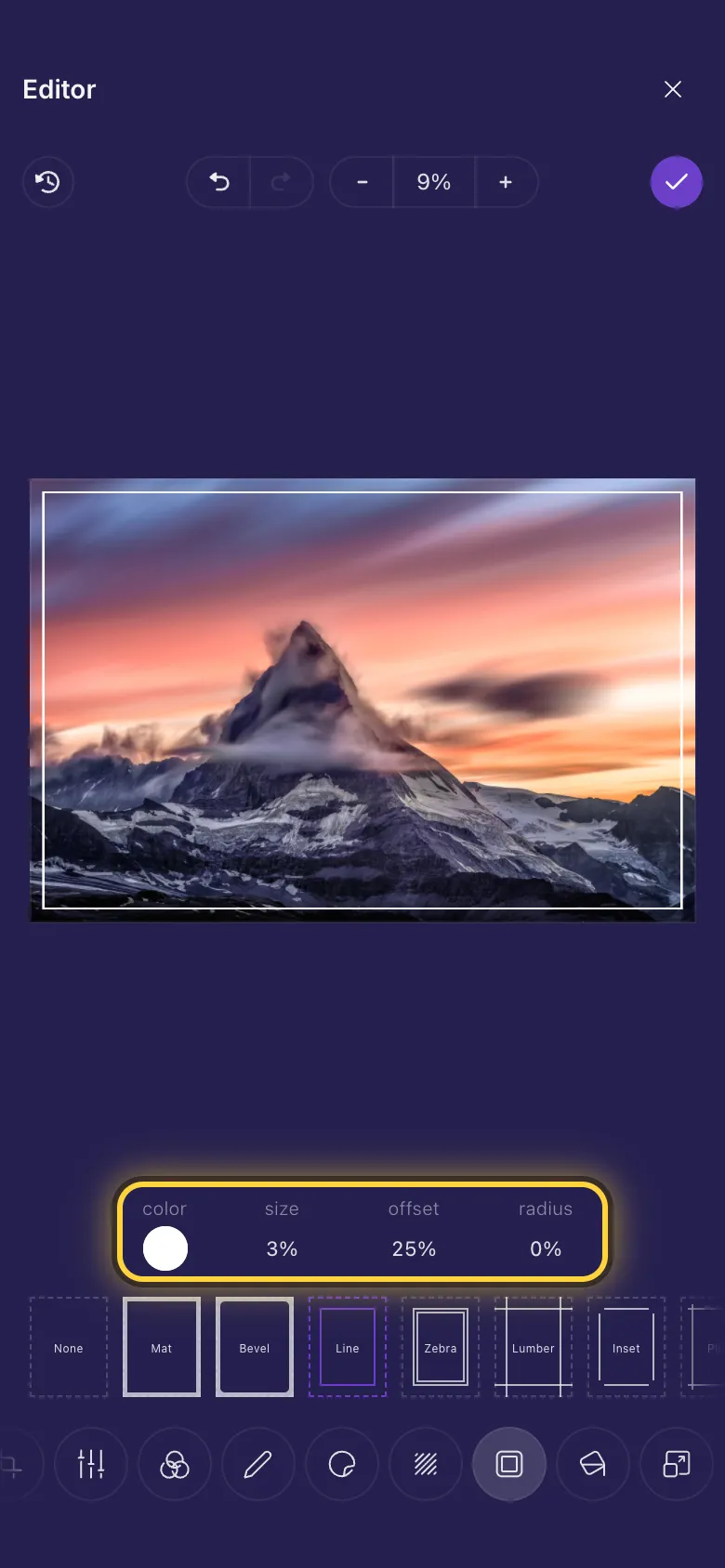
- Change the frame with the settings above the frames. Every frame has a Color; most also have a Size, and some let you set how far in the frame sits (Offset) or how round its corners are (Radius).
Write on a Polaroid
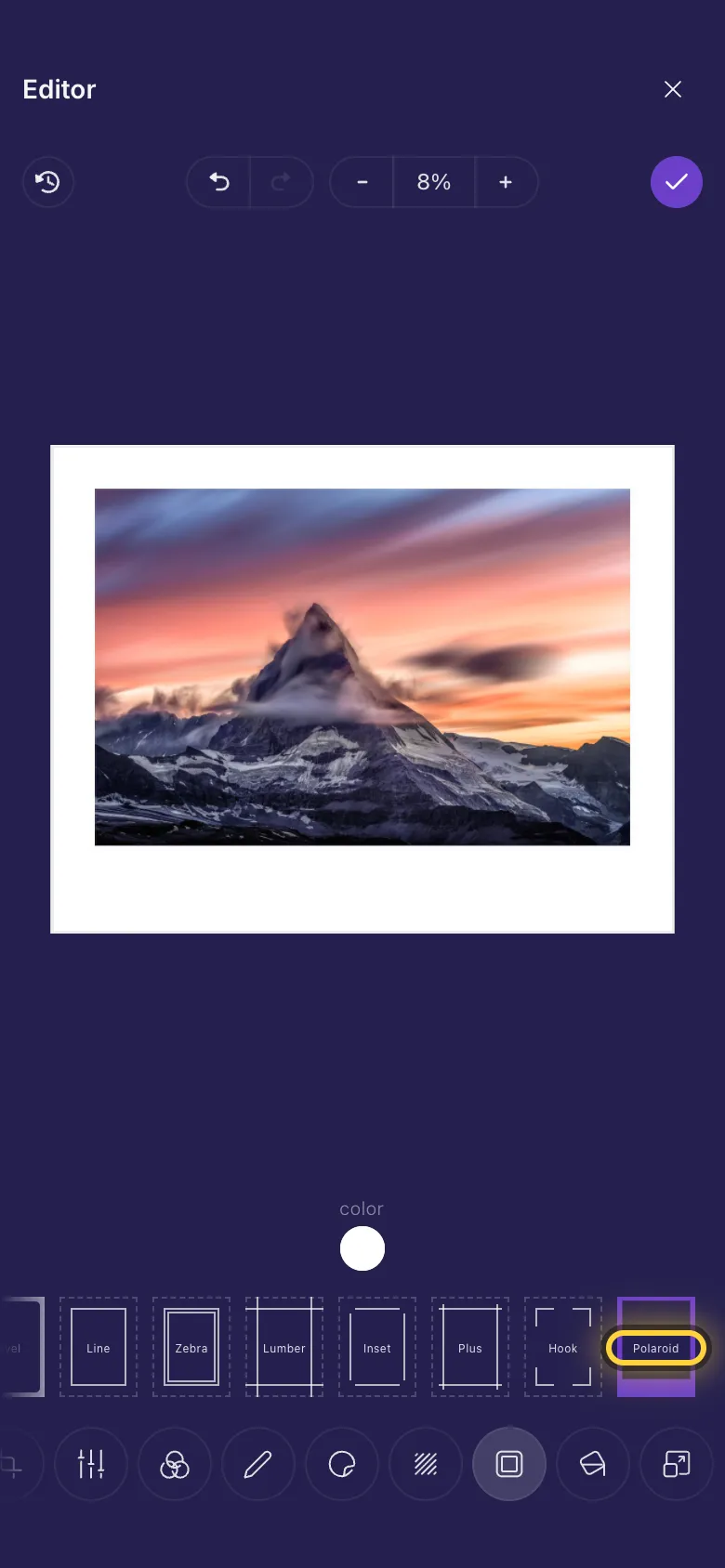
Polaroid gives the picture a white border with room underneath, like an instant photo. Then tap Annotate, pick Text and write a date or a few words on the white strip.
A colour behind a see-through picture
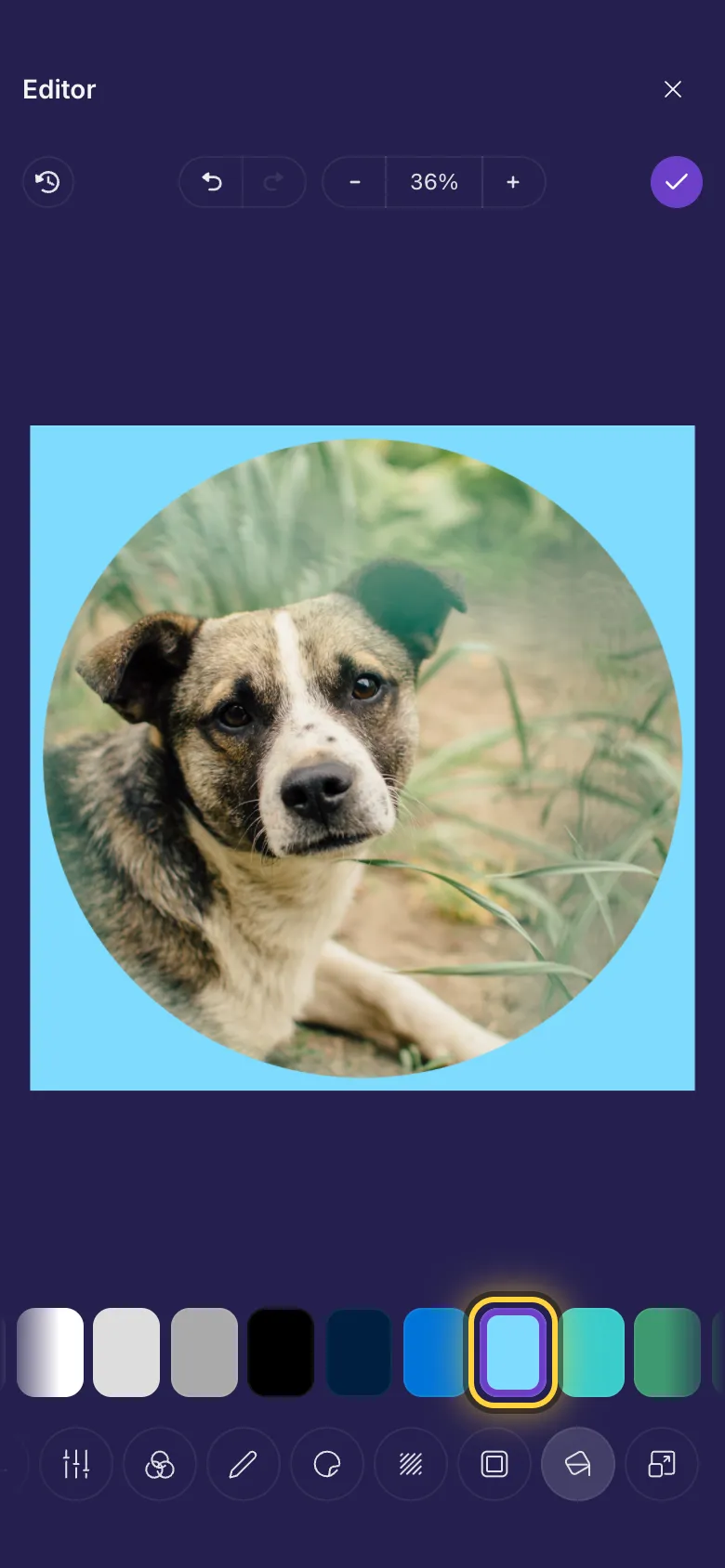
Some pictures have see-through parts: logos, cut-outs, stickers and round pictures saved as PNG. Whatever is behind them shows through, so they can look different in every app.
- Tap Fill.
- Tap a colour. It shows everywhere the picture is see-through.
- The chequered square keeps those parts see-through.
On a video
The video and GIF editor has no Redact, Frame or Fill. To hide something in a video's thumbnail, open it with Edit this frame: Redact is there. Choose the thumbnail shows how.
Ideas
Share a screenshot safely
Blur names, phone numbers and profile pictures with Redact before you post a screenshot of a chat.
A photo to print as a gift
Polaroid in Frame, then a date with Text on the white strip.
A logo that works everywhere
Give a see-through logo a white background with Fill, so it never disappears on a dark screen.