Your Blossom address
Blossom is how many Nostr apps upload and load pictures and videos. Your account comes with its own Blossom address, and you can claim a short, easy name for it. This guide shows how to claim one, what it costs, and how to point your Nostr apps at it.
For everyone with a plan and a Nostr key.
The pictures show a phone. On a computer the pages look the same, only wider.
On this page
What it is
- Every account with a Nostr key has a Blossom address at blossom.band. The long one made from your npub always works.
- You can claim a short name of your own, like yourname.blossom.band. It points to the same files as the long one.
- Nostr apps that use Blossom upload your media to it and load it from there.
Claim a name
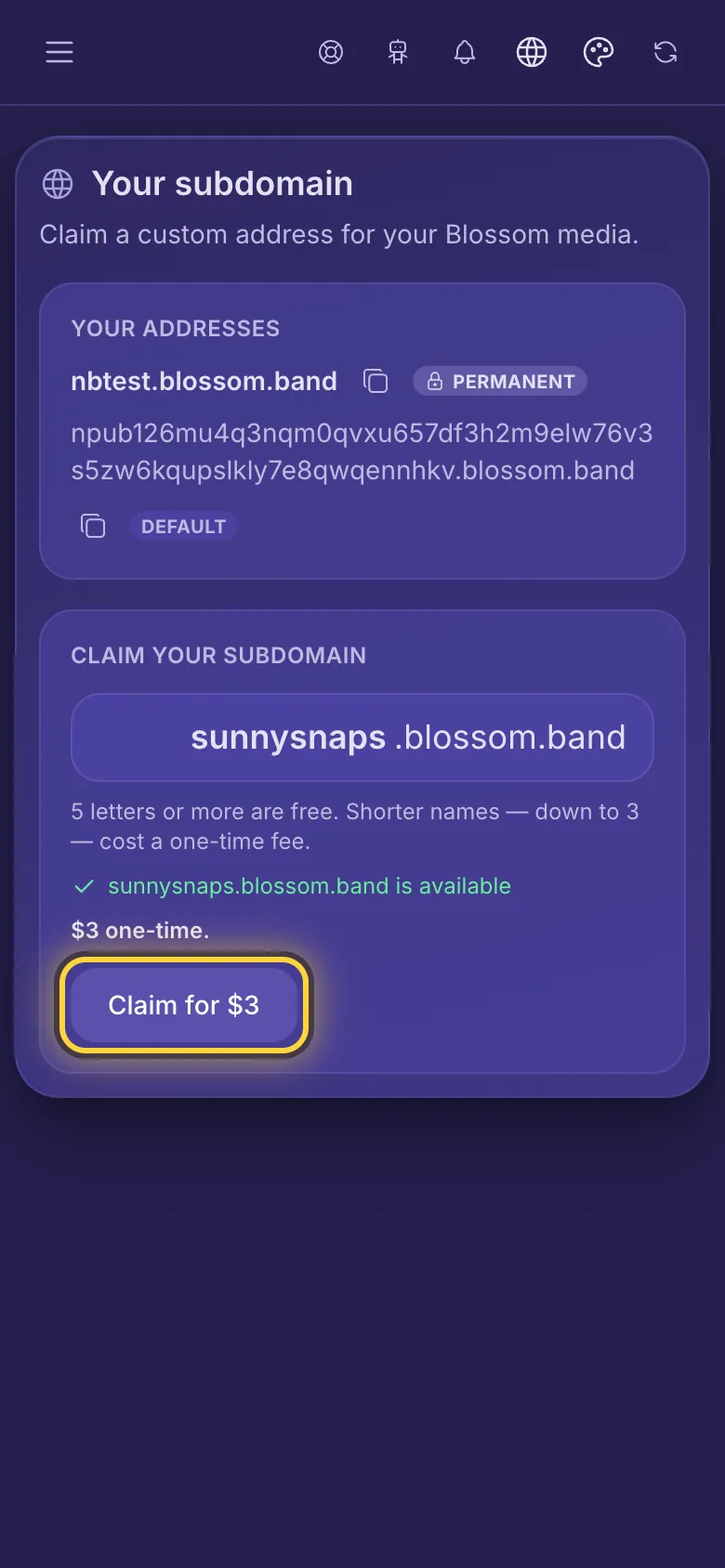
- In the menu, open Blossom 🌸 and tap Subdomain.
- Type a name in the box: letters, numbers and hyphens, from 3 to 63 characters.
- The line under the box says whether the name is available.
- Tap Claim subdomain, or the button with the price if the name costs something.
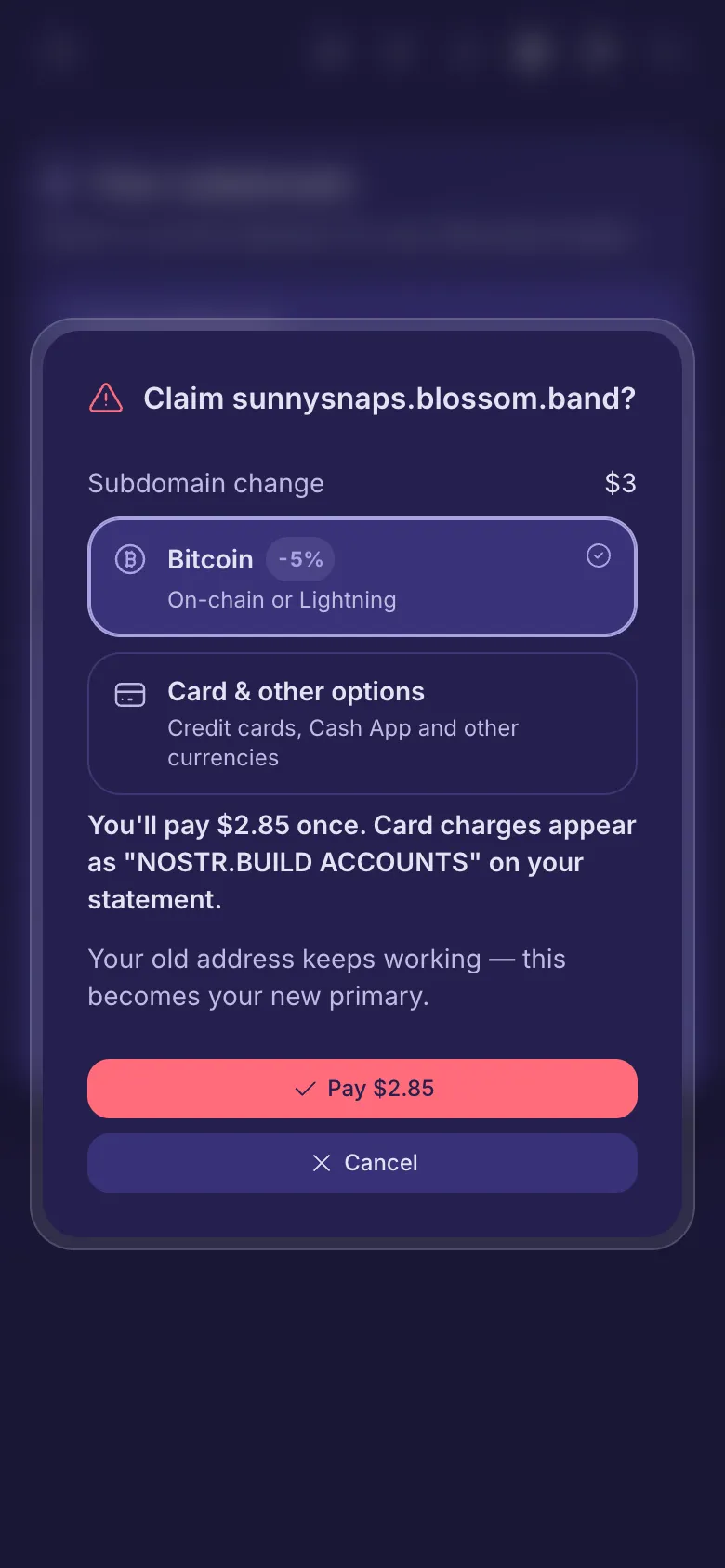
- Read the question, then tap Claim permanently, or the pay button if the name costs something.
A name needs at least one letter from g to z: names made only of the letters a to f and numbers, like cafe or 2024, aren't allowed. Neither are names that start with npub1 or nsec1.
What's free and what costs
- Your first name is free if it's long enough for your plan. The page says how many letters are free.
- A shorter name costs a small one-time fee. A bigger plan makes shorter names free.
- Want a different name later? Claim another one. It becomes your main address, and the old one keeps working. Your plan may include free changes; after that, each new name costs a small one-time fee.
- The button and the question always show the price before you pay. You pay the same ways as for a plan: Plans and paying.
Tell your Nostr apps
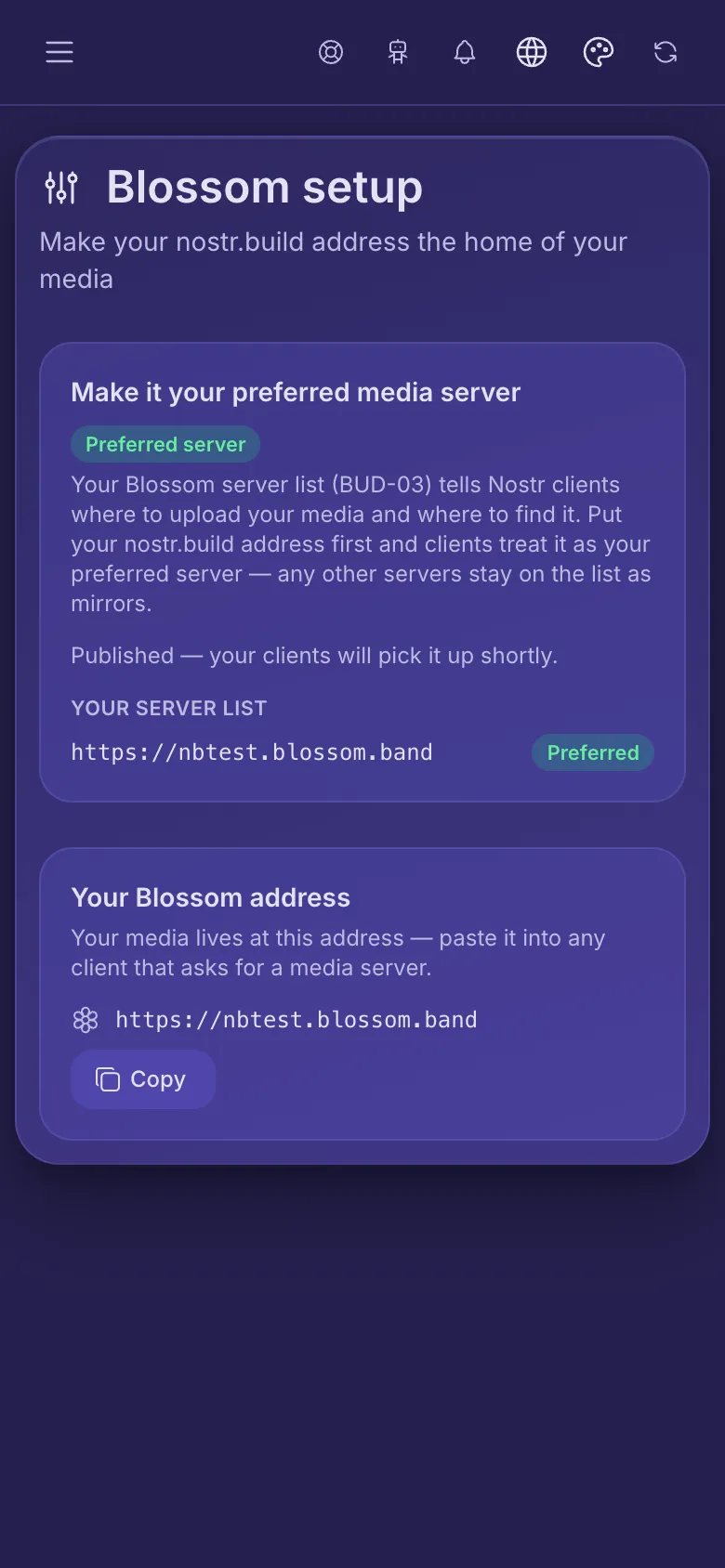
- In the menu, open Blossom 🌸 and tap Setup.
- Tap Set as my preferred server and approve the request in your signer. If you have no list yet, the page says so: tap Create server list to make one with just your address.
This updates your Blossom server list, a small Nostr note your apps read. Your main address goes first, so apps upload there. Other nostr.build Blossom addresses on the list are replaced by it, since they hold the same files. Servers from other providers stay on the list as backups.
Linked media
- In the menu, open Blossom 🌸 and tap Linked media. It lists the files served from your Blossom addresses.
- Tap a file to see it large, or copy its Blossom link.
- Unlink removes the file's Blossom address. Links to that address stop working, but the file stays on nostr.build. This can't be undone.