Your relay
Your plan comes with your own space on relay.nostr.build, a Nostr relay that keeps your notes and everything else you publish. This guide shows how to switch it on, bring your old notes over, tell your apps to use it, and see what's stored.
For everyone with a plan and a verified Nostr key.
The pictures show a phone. On a computer the pages look the same, only wider.
On this page
What it is
- A relay is a server that keeps Nostr notes and passes them on. Yours is relay.nostr.build.
- While your plan is active, it keeps what you publish to it, with no cap on how many events and no time limit, unless you delete them or they were made to expire. Each event has a size limit.
- Private messages are kept for you and only served to the people in the conversation. Public notes you publish there are also passed on to the wider Nostr network.
First, verify your key
Relay shows in the menu once your Nostr key is verified. To verify it:
- Open the menu and tap the button with a person and a pencil beside your name (Edit profile).
- Your key shows Unverified next to it. Tap Verify with extension and approve in your extension.
- No extension? Tap Verify via DM and type the code from the Nostr message we send. It checks the code by itself, or tap Verify.
See what's stored
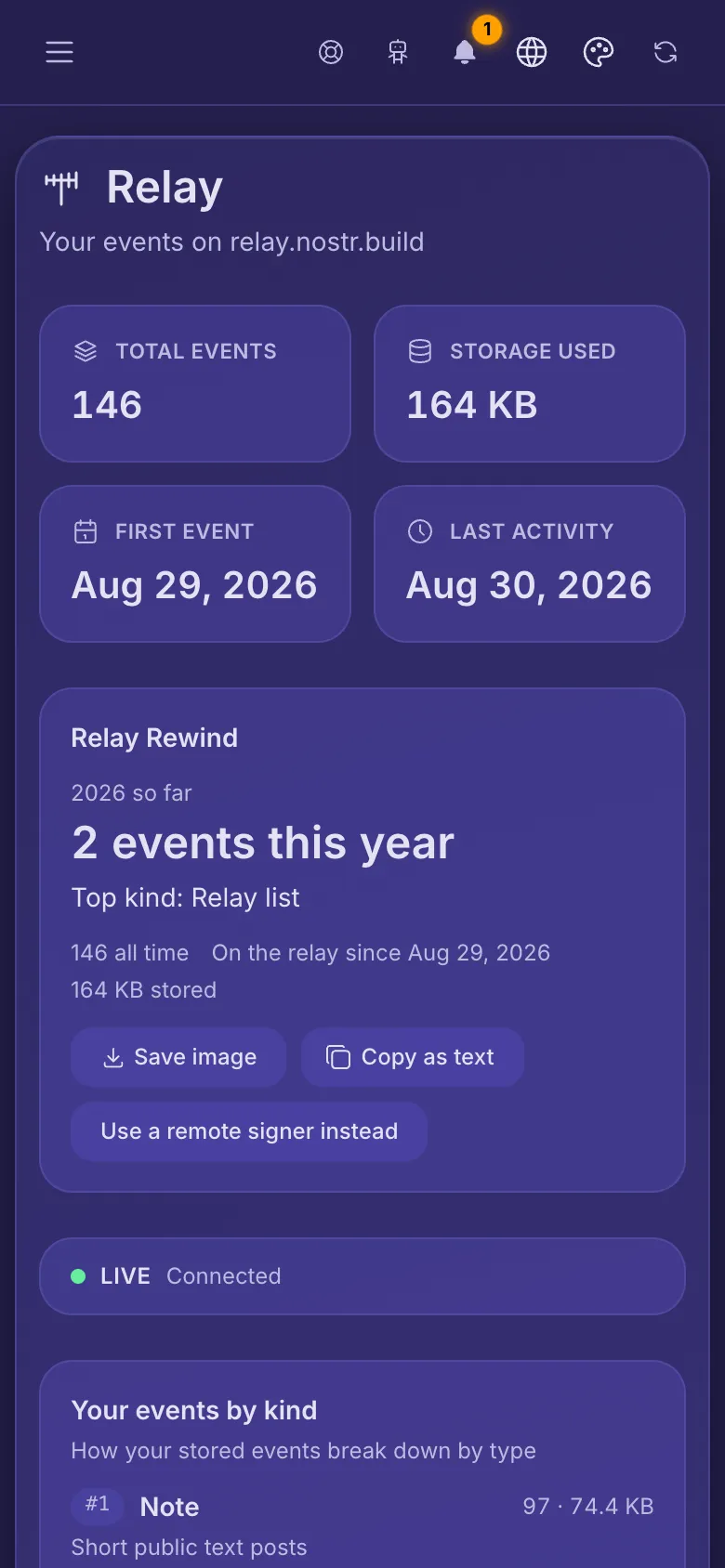
- Overview shows how many events the relay keeps for you, the space they take and when they started.
- Once you've published something this year, Relay Rewind sums up your year. Keep it as a picture with Save image, copy it as text with Copy as text, or share it with Post to Nostr (your signer asks first, and the picture is also saved to your library).
- Below that: a live strip that shows new events as they arrive, your events by type, mentions and replies from others, and your latest events.
Bring your old notes
- In the menu, open Relay and tap Import events.
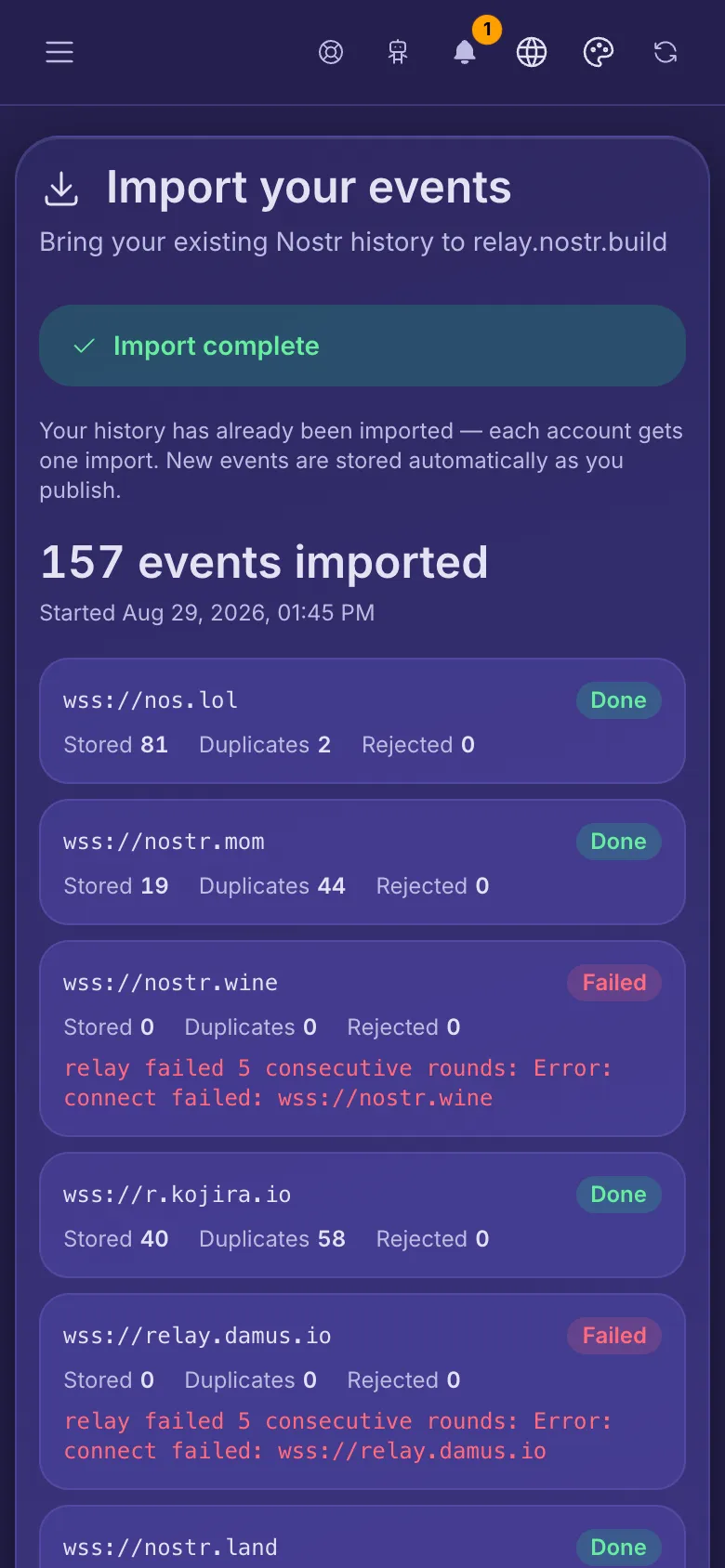
- Tap Start import. We look up the relays in your relay list and copy your history from them in the background. You can leave the page.
- Each relay gets a row: how many events were stored, how many were already there (Duplicates), and how many couldn't be kept (Rejected).
Some relays only show your events to you, so they can't be copied: their row says so. If an import fails, you can try again after a short wait. Once one finishes, that's final: each account gets one import, and new events are stored as you publish them.
The import comes with every plan. If the page says it needs one, pick a plan; if you already have one, try again in a few minutes.
Tell your apps
- In the menu, open Relay and tap Setup.
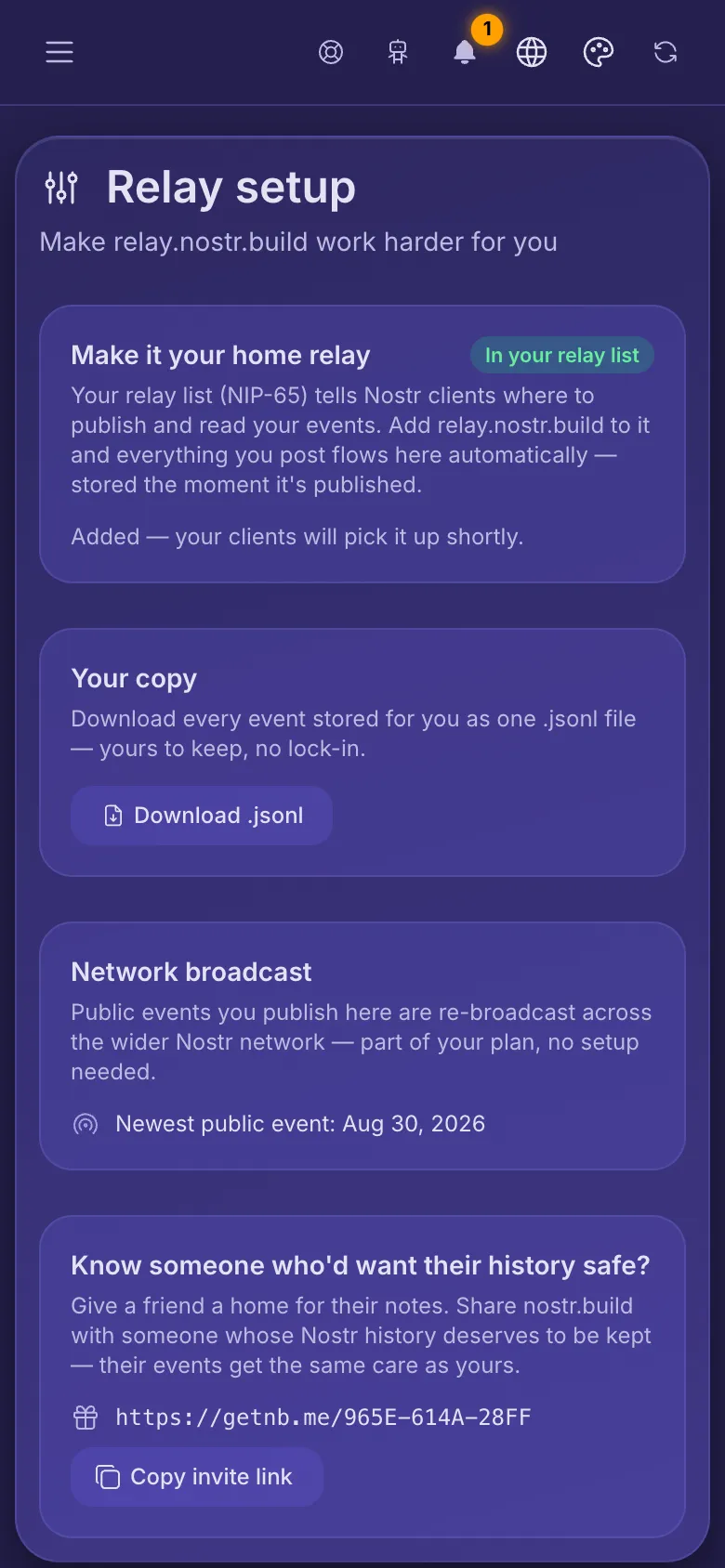
- Tap Add to my relay list and approve the request in your signer. If you have no relay list yet, the page says so: tap Create relay list to make one.
Your relay list tells your Nostr apps where to publish and read. With relay.nostr.build on it, everything you post is stored here as soon as you publish it. Relays already on your list stay.
Keep your own copy
On the same page, Download .jsonl saves every event you have published that is stored here, as one file. It's yours to keep.